How to Reply to an Email in Outlook 2019
You can reply to emails using Outlook 2019 instead of cPanel Webmail.
1. Open Outlook 2019.

2. Right-click the email you want to reply to and select Reply.

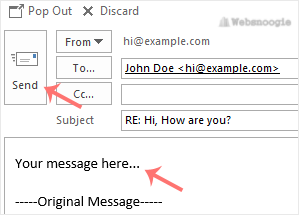
3. On the right side, the response box will open. Enter your message and click Send.