
How to Add a Subdomain in Plesk
1. Log in to your Plesk account.
2. Click on Websites & Domains from the Sidebar Menu.

3. Click on Add Subdomain.

4. Enter a subdomain name and select a domain from the Domain field.
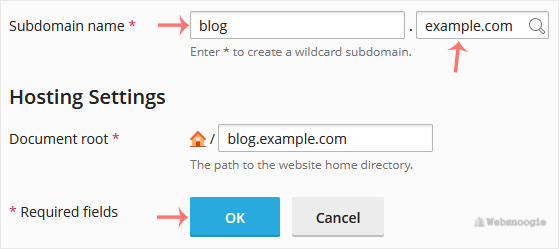
5. Click OK.
Once your Subdomain is added, you can manage it from Websites & Domains.