
How to Access Email from cPanel Webmail
You can access your Email account directly from Webmail.
1. Open http://example.com/webmail, replace example.com with your domain name, enter your full email address and password in user login details, and click on Login.
2. From the cPanel's Webmail Page, click on any Webmail email reader such as Horde, Roundcube, or any other available application.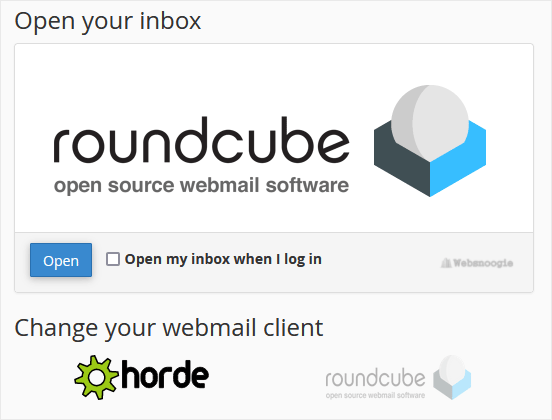
Use the Webmail Email Reader to read your email.